Reach Out – We're Listening!
Have questions or need assistance? Drop us a line – we can’t wait to meet you.
Headquartered in Louisville, Kentucky, we proudly deliver world-class IT support and solutions to customers across the nation.
Microsoft 365 is the center of where your team emails, collaborates, stores files, and manages devices. It’s powerful, but that also makes it a prime target for cyberthreats and attacks. While Microsoft handles the infrastructure, your team is still on the hook for securing identities, access, and data.

Unauthorized access and theft of sensitive business information via compromised accounts or malicious apps.

Phishing, business email compromise (BEC), and hijacked inboxes through malicious connectors or rules.
Modern ransomware doesn’t just lock files—it can delete, corrupt, and even wipe backups using stolen credentials.
Microsoft Entra ID is the heart of Microsoft 365 security. If an identity gets compromised, attackers can move laterally and take over your entire tenant. That’s why applying the Principle of Least Privilege (PoLP) here delivers the biggest security bang for your buck.
Bottom line: Your identities are your keys to the kingdom—treat them with care. Enforce MFA, manage admin accounts wisely, control sessions, and vet every third-party app. Small steps here prevent big headaches down the line.

Microsoft 365 runs on a Shared Responsibility Model: Microsoft locks down the infrastructure, but you’re still in charge of your data, who can access it, and how it’s shared. Neglecting governance here is one of the most common ways sensitive information slips out the door.
Bottom line: Collaboration and data protection are about smart guardrails, not roadblocks. Keep sharing in check, protect inboxes from attacks, and always have visibility into your environment. It’s your best defense against human error and targeted attacks.

Microsoft 365 security can feel overwhelming. There are a lot of settings, a lot of opinions, and not a lot of clarity on what actually needs to be done right now. Most teams aren’t ignoring security—they’re just busy keeping the business running. This checklist is here to help. It breaks Microsoft 365 security into clear, manageable steps so you can spot gaps, make smart improvements, and move forward with confidence—without trying to do everything at once.
Here’s a myth that needs busting: Microsoft doesn’t provide traditional backups for Microsoft 365. While the platform is highly available and redundant, that only keeps the service running—it doesn’t protect you from mistakes, ransomware, or accidental deletion.
Backup Recommendations
When evaluating solutions, consider your Recovery Time Objective (RTO) and Recovery Point Objective (RPO)—basically, how fast you need to recover and how much data loss you can tolerate.
Bottom line: High availability keeps your services running, but a backup keeps your data safe. Invest in a backup strategy today, and you’ll thank yourself when mistakes—or worse—happen tomorrow.

Microsoft 365 is a powerful platform, but with power comes responsibility. Protecting identities, securing collaboration, and ensuring resilient backups aren’t just IT tasks— they’re essential steps to keep your organization running smoothly and your data safe.
You don’t have to tackle it alone. Whether you need guidance on implementing best practices, auditing your environment, or setting up a bulletproof backup strategy, our team is here to help. Think of us as your trusted partner in making Microsoft 365 safer, smarter, and stress-free. A focused Microsoft 365 security assessment can help you see what’s working, what’s missing, and where a few smart changes can meaningfully reduce risk—without disrupting your day-to-day operations.
Next steps:
If you’d like a second set of eyes, have questions about your setup, or just want to sanity-check your security posture, reach out to us. We’re happy to help you cut through the noise and make Microsoft 365 security feel a lot more manageable.

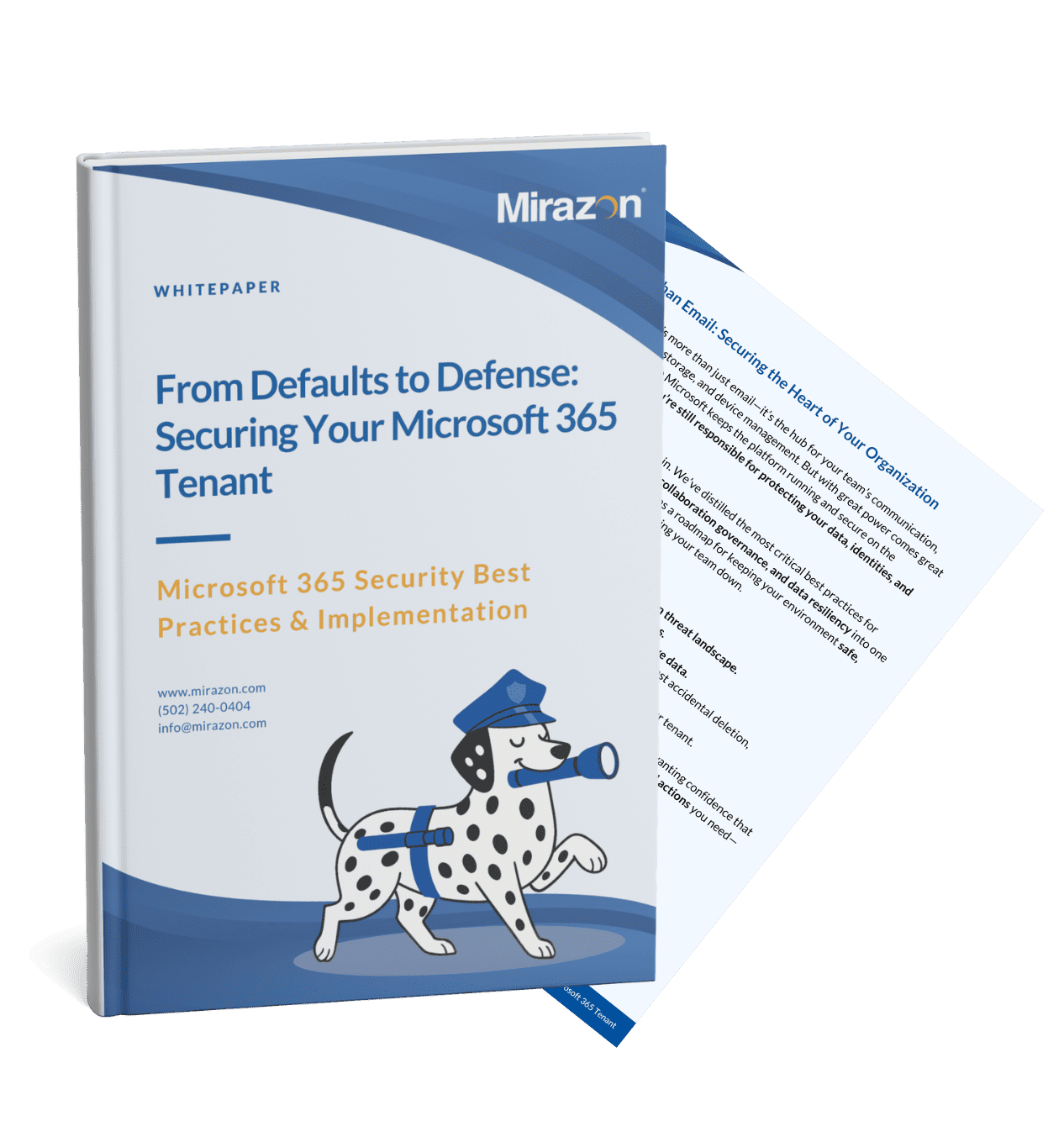
This whitepaper provides a practical roadmap for securing your Microsoft 365 tenant beyond basic defaults. It explains today’s most common cloud security risks and outlines prioritized best practices for protecting identities, controlling access, securing collaboration tools, and ensuring reliable data recovery. Rather than theory, it focuses on actionable guidance organizations can apply to reduce risk, improve resilience, and confidently manage Microsoft 365 as a core business platform.
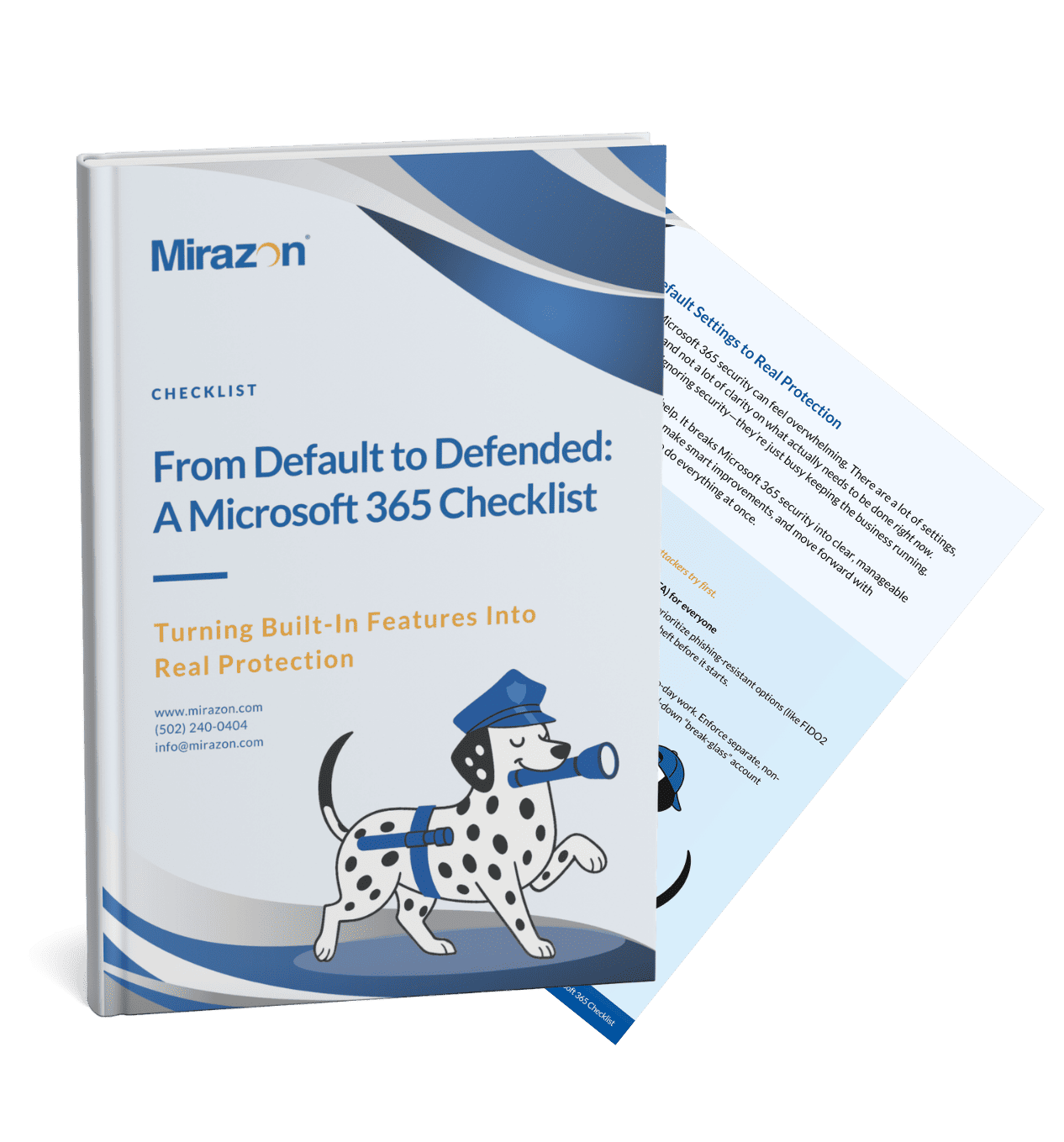
This checklist helps organizations strengthen Microsoft 365 security by turning default settings into intentional protection. It outlines practical, phased steps to secure identities, control access to data and applications, and improve threat protection and recovery—without trying to tackle everything at once. The checklist focuses on closing common gaps using tools you already have, making it easier to reduce risk while keeping day-to-day operations running smoothly.

Have questions or need assistance? Drop us a line – we can’t wait to meet you.
Headquartered in Louisville, Kentucky, we proudly deliver world-class IT support and solutions to customers across the nation.