Image sourced from Microsoft
The difference isn’t the technology. It’s how you prepare, adopt, and use it every day.
There’s no shortage of conversation around Microsoft Copilot right now. There’s also plenty of confusion about what it actually does. Depending on who you listen to, it’s either going to transform your business overnight or leave you wondering what you just paid for.
The truth sits somewhere in the middle.
Microsoft Copilot has real potential. But like most technology, the value doesn’t come from the tool itself. It comes from how it’s used, how it’s rolled out, and how well it fits the way your team already works.
What Microsoft Copilot Actually Is
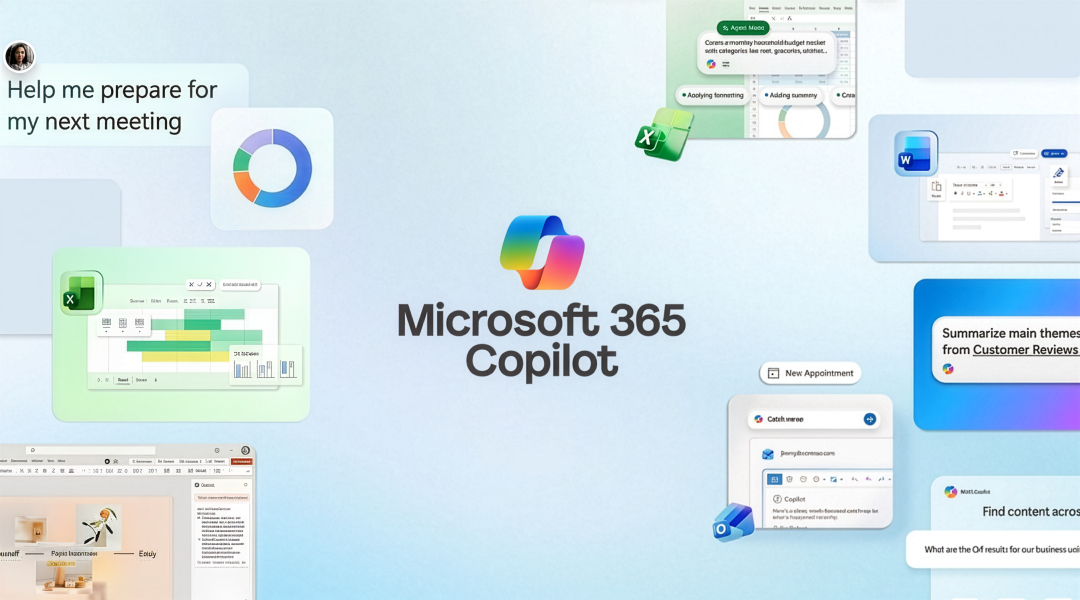
At its core, Microsoft Copilot is an AI assistant built directly into the Microsoft 365 apps your team already uses every day: Word, Excel, Outlook, Teams, PowerPoint. It shows up right where the work is happening.
Think of it less like a separate tool and more like an extra set of hands. It helps you draft, summarize, analyze, and organize without having to jump between systems or start from scratch.
What makes it different from other AI tools is context. Copilot doesn’t just rely on general knowledge. It can reference your organization’s emails, files, meetings, and chats, so the work it produces is grounded in what your team is actually doing.
That’s when it starts to feel useful instead of generic.
Where Copilot Fits in Day-to-Day Work
Most of the value from Microsoft Copilot doesn’t come from big, one-time use cases. It shows up in the small, repetitive tasks that happen all day, every day. Things like drafting emails, summarizing long threads, pulling key points out of meetings, or getting a first draft started without staring at a blank screen. These aren’t flashy problems, but they’re the ones that eat up time.
Copilot helps reduce that friction. It gives people a starting point, helps them move faster, and cuts down the time spent on tasks that don’t require deep thinking but still need to get done.
That’s what adds up. Not one big workflow, but dozens of small ones.
Why Setup Matters More Than People Expect
One of the biggest misconceptions about Microsoft Copilot is that you can turn it on and immediately see results. In reality, Copilot reflects the environment it’s working in. If your data is disorganized, your permissions are loose, or your files are hard to navigate, that’s what Copilot is going to surface.
We’ve found that organizations that get the most value from Copilot take a little time upfront to prepare their environment. They look at their data, clean up access where needed, and put some basic structure in place. It doesn’t have to be perfect, but it does need to be intentional.
Because the better the foundation, the more useful Copilot becomes.
Adoption Is Where Things Usually Stall
Buying Microsoft Copilot is easy. Getting people to actually use it is where things tend to slow down.
Without clear use cases or guidance, most users try it once or twice and then fall back into their normal habits. Not because it doesn’t work, but because they don’t see where it fits into their day.
That’s why adoption matters just as much as licensing. Your team needs to understand where Copilot fits into their day and what success looks like for their role. When that clicks, usage becomes consistent, and that’s when the value starts to show up.
Security and Trust Aren’t Afterthoughts
Security is usually one of the first questions that comes up with Microsoft Copilot, and rightfully so.
Copilot operates within the permissions your organization already has in place. It doesn’t create new access. It works with what users can already see.
What it can do is highlight where permissions may already be too open. If something is over‑shared, Copilot can surface that content more easily. That’s not a new issue. It’s an existing one becoming more visible. For most organizations, that ends up being helpful. It gives a clearer picture of where things need to be tightened up before scaling.
Getting It Right From the Start
Getting value from Microsoft Copilot isn’t about flipping a switch. It’s about being intentional with how it fits into your day-to-day work.
The teams that see results don’t try to use it everywhere all at once. They start with a few clear use cases, focus on where it can make an obvious difference, and build from there. That early traction matters. When people see it actually helping them, it becomes something they keep coming back to.
There’s also a small amount of setup that goes a long way. Making sure data is organized, access is in the right place, and expectations are clear helps avoid potential problems later. It’s about putting the foundation together to give Copilot something solid to work with.
From there, it becomes a lot easier to scale. You expand based on what’s already working, not guesswork. And that’s what turns Copilot from something you have into something your team actually uses.
Where We Come In
That’s the part we focus on every day.
We’ve helped organizations evaluate their readiness for Copilot, identify meaningful use cases, and build adoption plans that drive real results. Our goal isn’t just to help you purchase Copilot. It’s to help you get value from it. And if you’re looking for a place to start, we’ve got a couple of resources that break this down further:
- Microsoft Copilot 101 whitepaper
A practical, step‑by‑step look at how Copilot works, where it fits, and how to approach it the right way from day one. - 10 Microsoft Copilot Myths guide
The common assumptions we hear all the time, where they hold up, and where they don’t.
If you’re evaluating Microsoft Copilot, don’t start with licensing. Start with a plan. We’d be happy to help you assess your environment, identify practical use cases, and build an approach that delivers measurable value from day one.