Reach Out – We're Listening!
Have questions or need assistance? Drop us a line – we can’t wait to meet you.
Headquartered in Louisville, Kentucky, we proudly deliver world-class IT support and solutions to customers across the nation.
Google Workspace is often an easy starting point for small teams, but as organizations grow, its limitations become more visible. Rising costs, limited security controls, and the need for third-party tools can add unnecessary complexity. Microsoft 365 is designed to support growing small to medium-sized businesses (SMBs) with a more secure, integrated, and scalable workspace, especially for teams already using Windows and Microsoft Office. Below, we explore why many growing organizations are moving from Google Workspace to Microsoft 365 and what that transition looks like.
Fragmented tools create hidden costs and inefficiencies. Many organizations rely on Google for email, Zoom for meetings, separate file-sharing platforms, and additional security tools. Microsoft 365 consolidates these capabilities into one ecosystem, reducing subscription sprawl, simplifying logins, and improving day-to-day productivity through native Windows and Office integration.



One of the major benefits of moving to Microsoft 365 is the inclusion of the full Microsoft Office productivity suite, including Word, Excel, PowerPoint, OneNote, and Outlook, with options to use them in a web browser or install them directly on desktops and laptops. This gives teams the power of full-featured desktop applications that work offline and sync automatically when back online, alongside familiar Office tools that many professionals already rely on.
While Google Workspace’s Docs, Sheets, and Slides can also be made available for offline use through browser settings, they are primarily designed to run in the cloud and are accessed through the browser, not installed as standalone desktop apps with the same depth of features.
This means with Microsoft 365, users get:

Security is a major driver for organizations moving away from Google Workspace. Microsoft 365 includes enterprise-grade protections such as endpoint detection and response, advanced email security, identity protection with conditional access, data loss prevention, and centralized audit logging. These tools work together natively, helping organizations reduce risk without relying heavily on third-party add-ons.
Google has no native EDR offering, and its built-in Mobile Device Management (MDM) capabilities are very limited for organizations with more advanced security needs. Microsoft 365 Business Premium includes Defender for Business, an enterprise-grade Antivirus and Ransomware protection suite.
Google provides basic scanning, but serious organizations almost always require a third-party email filter (like Proofpoint or Barracuda) to stop sophisticated phishing attacks. Microsoft uses “Safe Links” and “Safe Attachments” to detonate malicious files in a virtual sandbox before they reach your inbox.
Google’s identity and access controls are limited in how consistently they can be enforced across users, devices, and locations. Microsoft Entra ID (Azure AD) provides Conditional Access and Identity Protection that automatically reacts to risky sign-ins, enforces MFA when needed, and blocks access from unmanaged or compromised devices.
Protecting sensitive data requires more than just controlling who can log in. Microsoft 365 includes built-in DLP, sensitivity labels, and encryption that follow the data across email, Teams, SharePoint, and OneDrive which help prevent accidental or intentional data leaks.
Microsoft provides centralized audit logs and security alerts across identity, email, endpoints, and file access. This helps make investigations, compliance, and incident response far more straightforward.
While Google Workspace may appear less expensive at first, additional costs often arise from third-party security, storage, and management tools.
Moving to Microsoft 365 Business Premium doesn’t just simplify your tech, it can deliver immediate cost savings by reducing the need for multiple third-party tools. At the same time, it upgrades your organization’s security with built-in, enterprise-grade protections across email, devices, and data. In short, you get a more secure, more efficient environment without adding complexity or extra expenses.

Making the switch from Google Workspace to Microsoft 365 can feel daunting, but it doesn’t have to be. At Mirazon, we guide you through the entire process, so your team stays productive and your data stays secure. Here’s how we do it:
Before moving anything, we take a close look at your current Google Workspace setup. This includes emails, files, calendars, and user accounts.
Next, we create a tailored Microsoft 365 setup for your organization.
With a plan in place, we securely transfer emails, calendars, contacts, and files to Microsoft 365.
We implement Microsoft 365’s built-in protections to help secure identities, devices, and data from day one.
We guide your team through Microsoft 365, helping them understand how to collaborate in Teams, share files securely, and take full advantage of features like OneDrive and SharePoint.
Mirazon provides ongoing support to keep your Microsoft 365 environment secure, optimized, and aligned with your business needs.
Moving from Google Workspace to Microsoft 365 doesn’t have to be complicated or stressful. With the right planning, migration, and support, your team can start taking advantage of better collaboration, stronger security, and more value almost immediately.
At Mirazon, we guide you every step of the way, from assessment and migration to training and ongoing Managed Services, so you can focus on running your business and not managing technology.
Ready to see how a smooth, secure migration can work for your organization? Contact us today to schedule a Discovery call and start your journey to Microsoft 365.

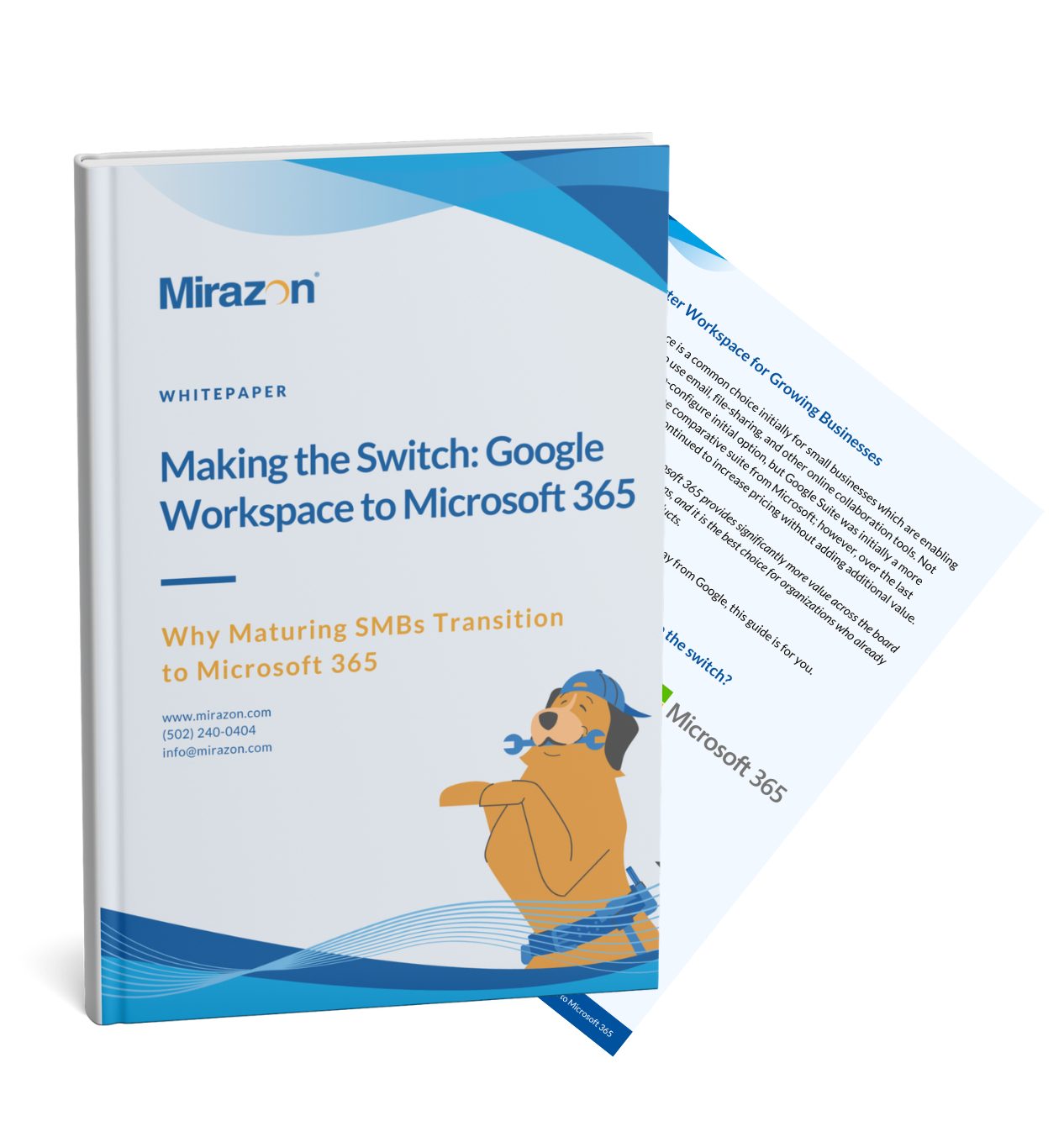
This concise guide is for growing SMBs evaluating whether Google Workspace can still meet their security, productivity, and cost needs. It clearly compares Google Workspace and Microsoft 365, highlights common gaps organizations encounter as they scale, and outlines a proven, low-disruption path to migrating confidently to Microsoft 365 with expert guidance from Mirazon.
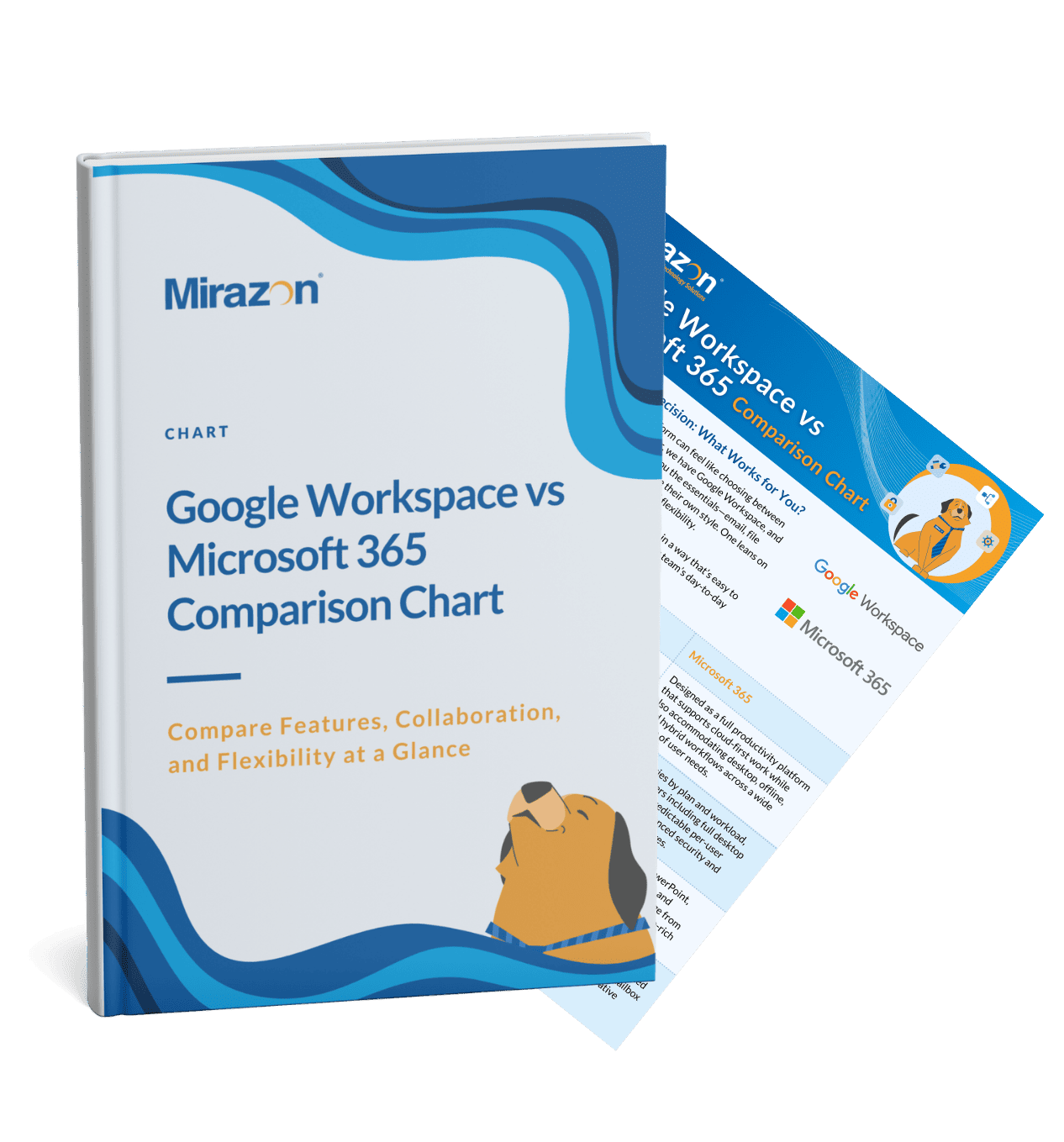
This chart provides a side-by-side look at how the two platforms stack up across productivity, collaboration, security, administration, and scalability. Designed for quick scanning, this chart helps teams understand the practical differences between Google’s browser-first approach and Microsoft’s more flexible, feature-rich ecosystem.

When you download this flowchart, you’ll get a clean, easy-to-follow Microsoft 365 licensing chart that walks you step by step to the plan that fits your business. You’ll see clear decision points and practical guidance that helps you quickly rule out what you don’t need, avoid overpaying, and confidently choose the M365 license that actually matches how your team works.

Have questions or need assistance? Drop us a line – we can’t wait to meet you.
Headquartered in Louisville, Kentucky, we proudly deliver world-class IT support and solutions to customers across the nation.