




Reach Out – We're Listening!
Have questions or need assistance? Drop us a line – we can’t wait to meet you.
Headquartered in Louisville, Kentucky, we proudly deliver world-class IT support and solutions to customers across the nation.
Virtualization used to be simple: buy and set up VMware, run workloads, and call it a day. But today, IT isn’t just about keeping servers online—it’s about agility, cost control, and preparing for what’s next. VMware has been a trusted name for years, and for many businesses, it’s been the default choice. But the reality is that the market has evolved. Businesses now need platforms that integrate seamlessly with existing infrastructure, scale without breaking budgets, and support hybrid cloud strategies. Hyper‑V checks all those boxes. It’s not just another hypervisor—it’s part of a broader Microsoft ecosystem that most organizations already rely on. If you’re running Windows Server, Active Directory, or Microsoft 365, Hyper‑V fits naturally into your environment. This isn’t about abandoning VMware because it’s bad—it’s about choosing a solution that’s better aligned with your future and budget.
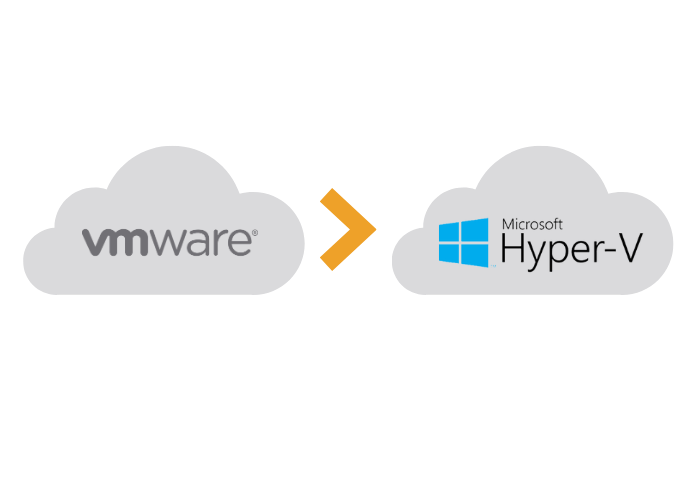
Since the acquisition of VMware by Broadcom, many small and mid-size businesses have seen license costs jump — sometimes unpredictably.
If your VMware licensing model looks like it might be on shaky ground, now is a smart time to consider alternatives.



Hyper-V is bundled with Windows Server — meaning if you already run Windows Server, you likely already have licensing for Hyper-V.
Because Hyper-V is Microsoft-native, it offers tight integration with Windows-based environments and familiar administration tools, which can reduce training overhead and streamline management.
For many organizations, this translates into lower ongoing costs and simpler virtualization infrastructure.

Switching hypervisors is more than a flip of a switch — it requires careful planning, validation, and execution:
Many organizations use migration tools (e.g. V2V conversion tools or host-manager like SCVMM) or backup products to streamline the process.

Migrating from VMware to Hyper-V doesn’t have to be a guessing game. Mirazon offers turnkey support to make the transition smooth and turnkey.
With decades of experience serving businesses — from small local operations to enterprise-class clients — Mirazon is uniquely positioned to guide you through every step of this transition.
We begin with a comprehensive review of your current virtualization environment and dependencies to create a tailored migration plan.
We test your applications, OSes, and backup/recovery workflows in a Hyper-V environment to identify and resolve any issues before cutover.
Leveraging proven tools and best practices (including VM conversion and careful sequencing), we perform the migration with minimal disruption to your business operations.
After the move, we help tune performance, implement monitoring and maintenance workflows, and train your team on Hyper-V management.
While Hyper-V is often the best fit, we’ll help you weigh alternatives (cloud-hosted solutions, other hypervisors, or SaaS where it makes sense) to ensure your broader IT strategy stays aligned.

When you download this whitepaper, you’ll get a clear, business-focused look at why many SMBs are moving away from VMware and how Hyper-V delivers a more predictable, cost-effective alternative. It covers seamless integration with the Microsoft ecosystem, key features without added licensing complexity, hybrid flexibility with Azure Stack HCI, and what a low-risk migration really looks like.

This comparison guide breaks down VMware vs. Hyper-V side by side, helping you clearly understand costs, features, and performance so you can make a confident, informed decision.
Consider a move to Hyper-V if:
If what you really need is cloud scalability, SaaS, or a radically different virtualization approach, we’ll help you evaluate those too.
If you’re thinking about leaving VMware behind, but aren’t sure where to start — that’s exactly where Mirazon comes in. Reach out for a no-pitch, no-cost consultation, and we’ll walk you through your options, help you evaluate timing, and outline a migration path tailored to your business.
Contact us today to see whether Hyper-V (or another path) fits your needs — and how to make the transition smooth, predictable, and cost-effective.

Have questions or need assistance? Drop us a line – we can’t wait to meet you.
Headquartered in Louisville, Kentucky, we proudly deliver world-class IT support and solutions to customers across the nation.